





I have a booking. What do I do now?
Great news! Now you have to update your Availability Calendar.
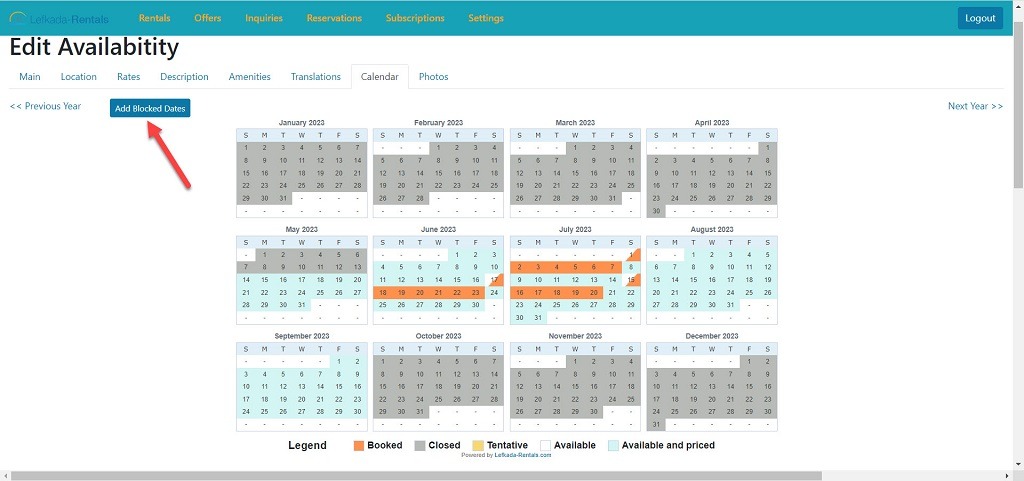
The process is easy. You simply login to the Lefkada-Rentals Administration panel. Edit the rental you had the booking and select “Calendar” tab.
Then, press the button at the top left “Add Blocked Dates”.
Then, search on the Start date and End date the period of your new reservation and make sure that the status under the dates is at the option Booked (as it is by default). Then press the button Block Dates.
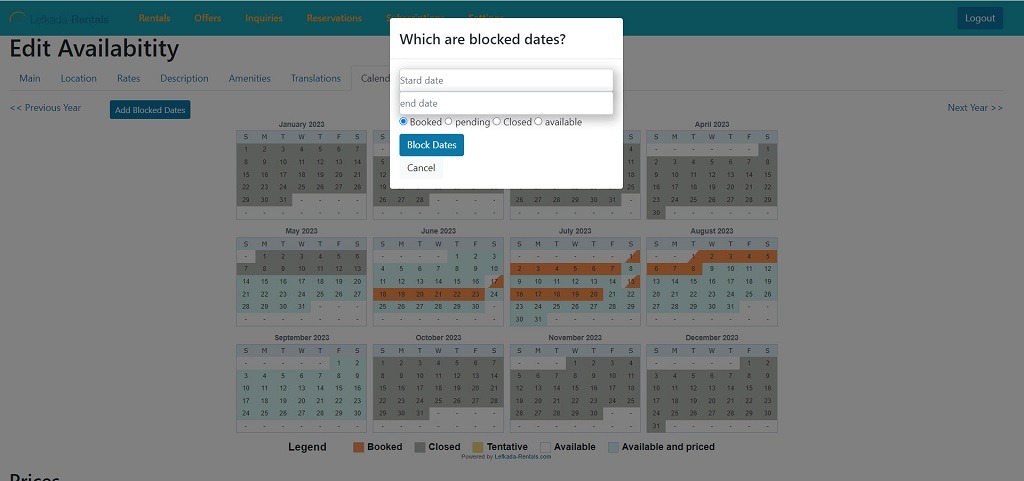
You will notice, that your calendar will change these dates to orange, so the customers will see that this period is booked.
Just press Update Rental button at the bottom left and you are done
